Experian
Experian Navigation
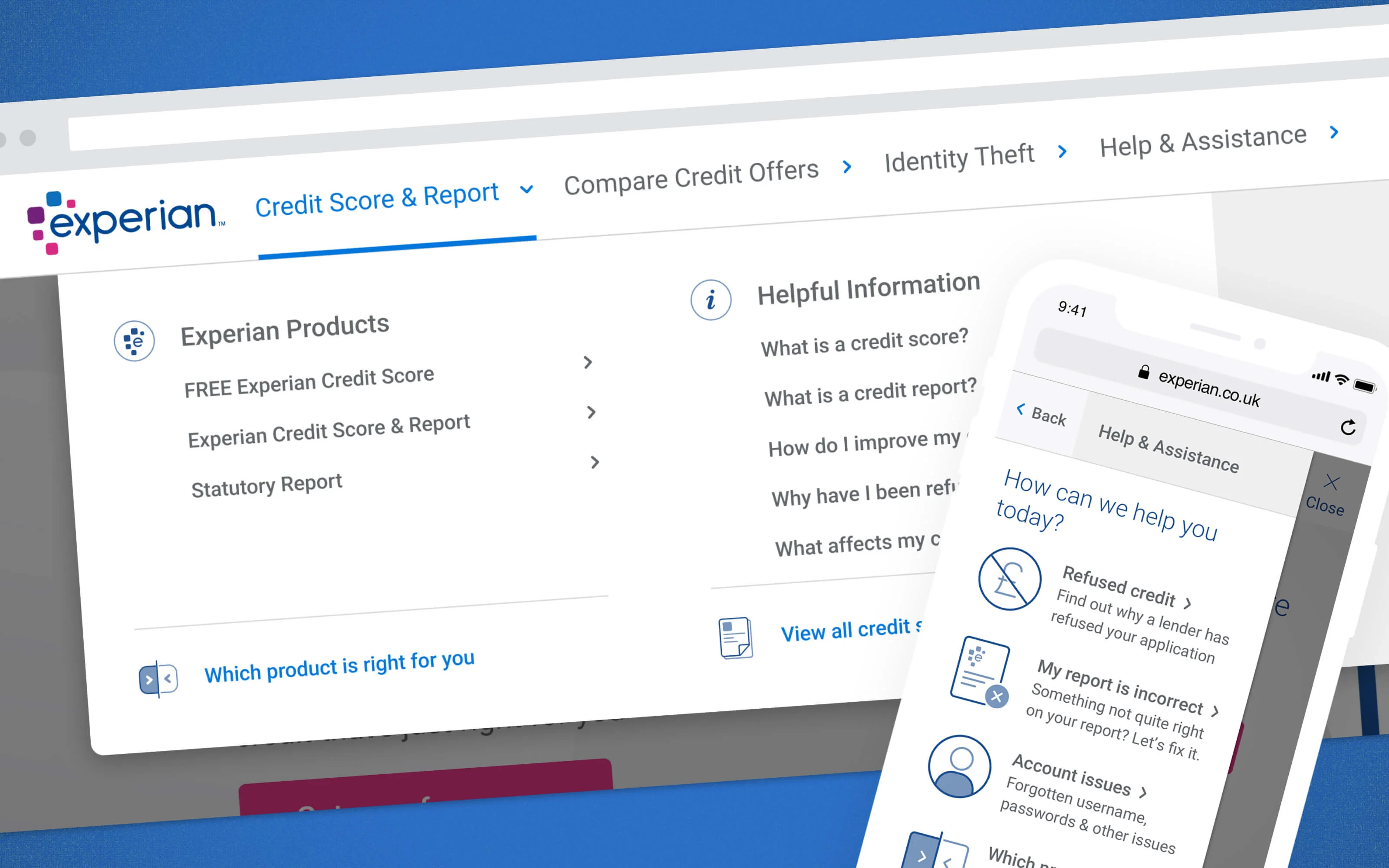
Redesign of the consumer services navigation for Experian.co.uk. The redesign aimed to improve user experience and accessibility, while also enhancing the overall visuals.
The Problem
The old navigation was very flat (below), serving a lot of options and leaving customers confused on what they were actually looking for and instead called the help centre (even to change their password). We were tasked to reduce this with a redesign that not only looked better and was more futureproof for both mobile and desktop users.

Project Overview
The project kicked off with an audit of the current userflows and then a workshop with some card sorting which was then tree tested with a small user group. This allowed us to move onto doing wireframes before moving on to dev ready user interfaces.
The Solution
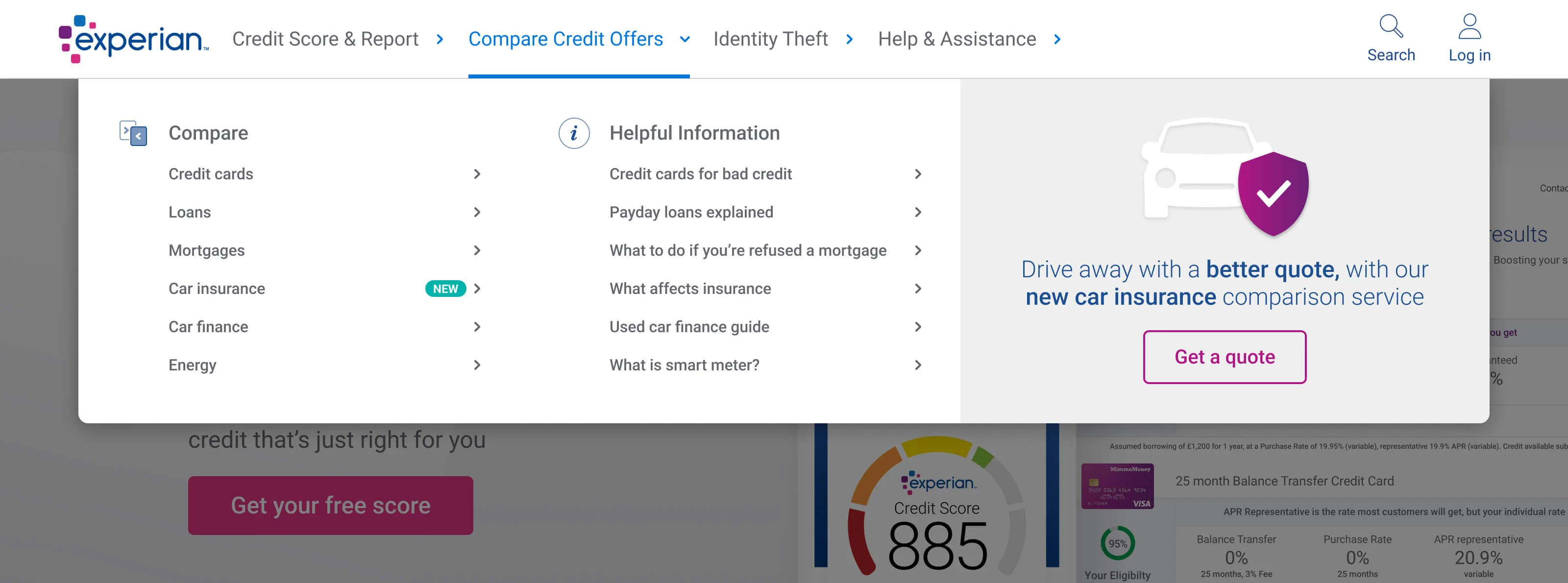
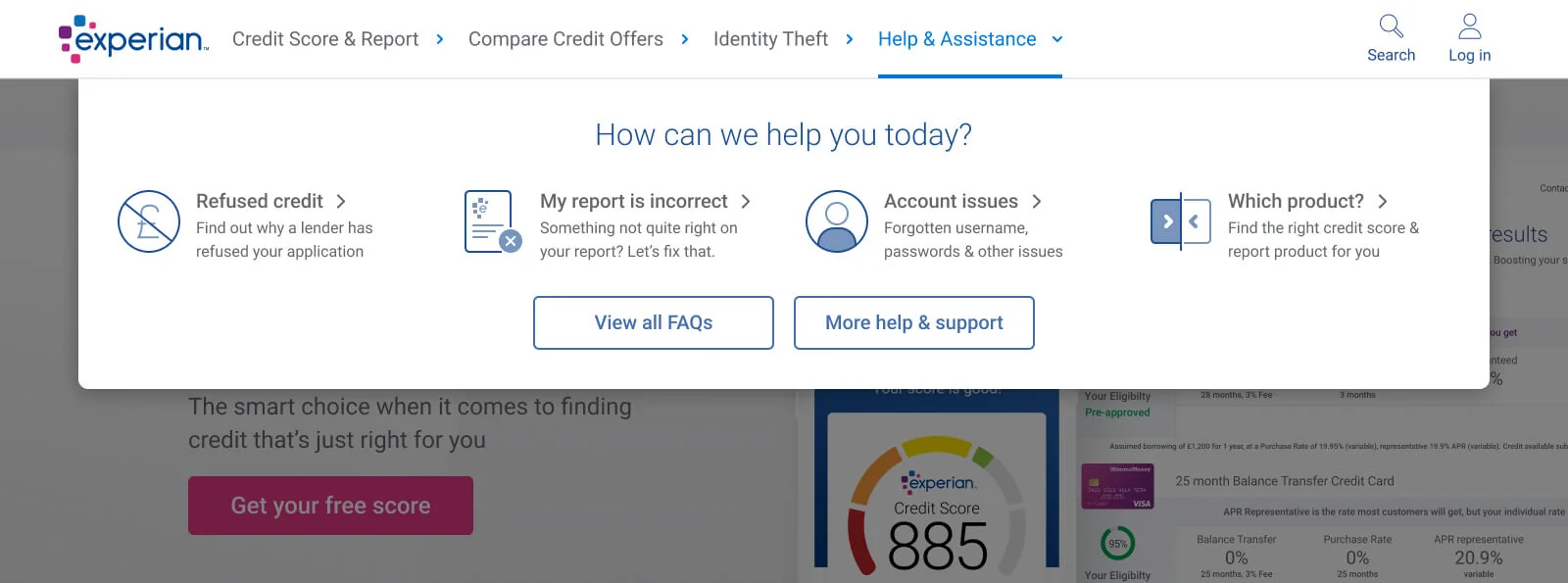
With the card sort we were able to group the most of the menu items into a more streamlined navigation. Each item now had a drop down, but each featured everything relevant to that vertical. We also created a new drop down for the help section with the most common issues the call centre received. This was also the perfect place to make use of some brand new icons I had just designed for another project!
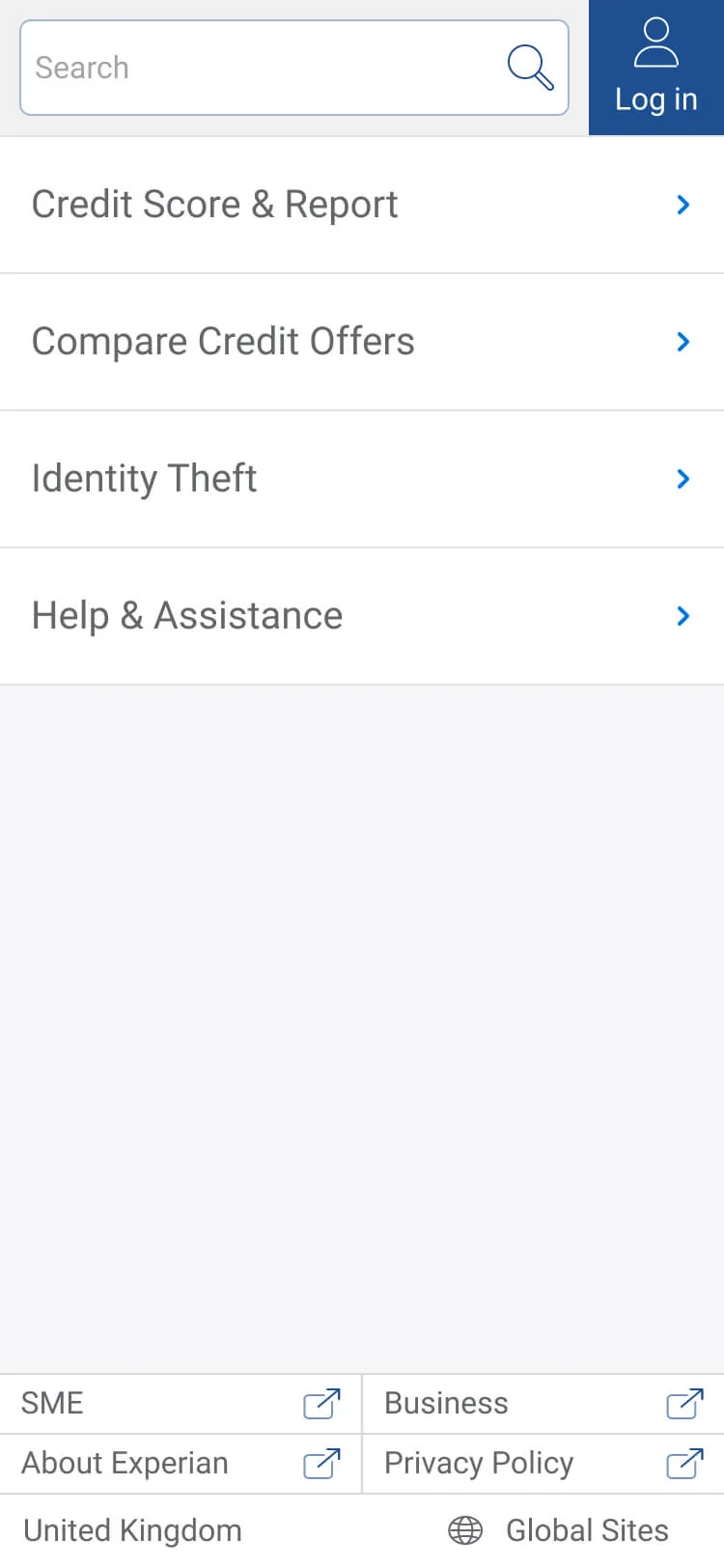
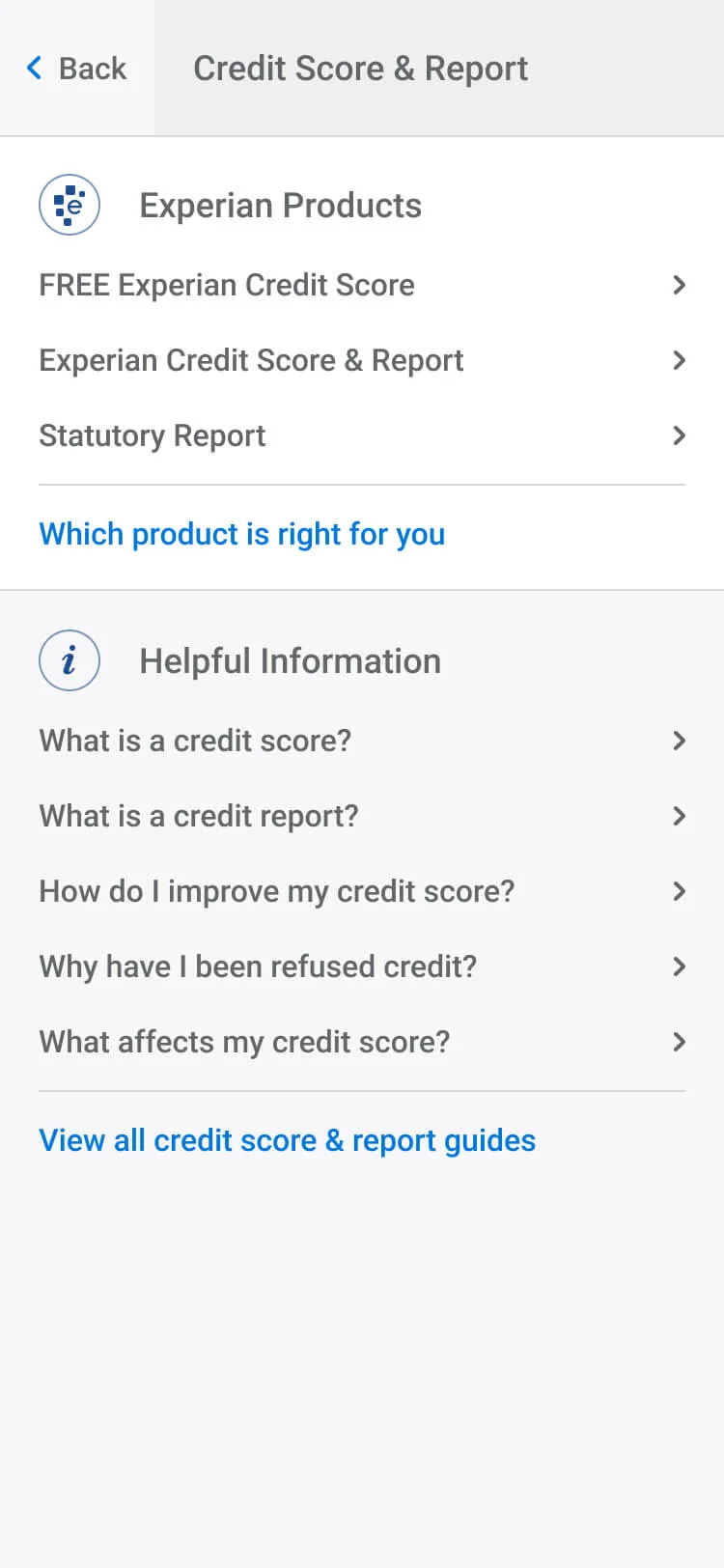
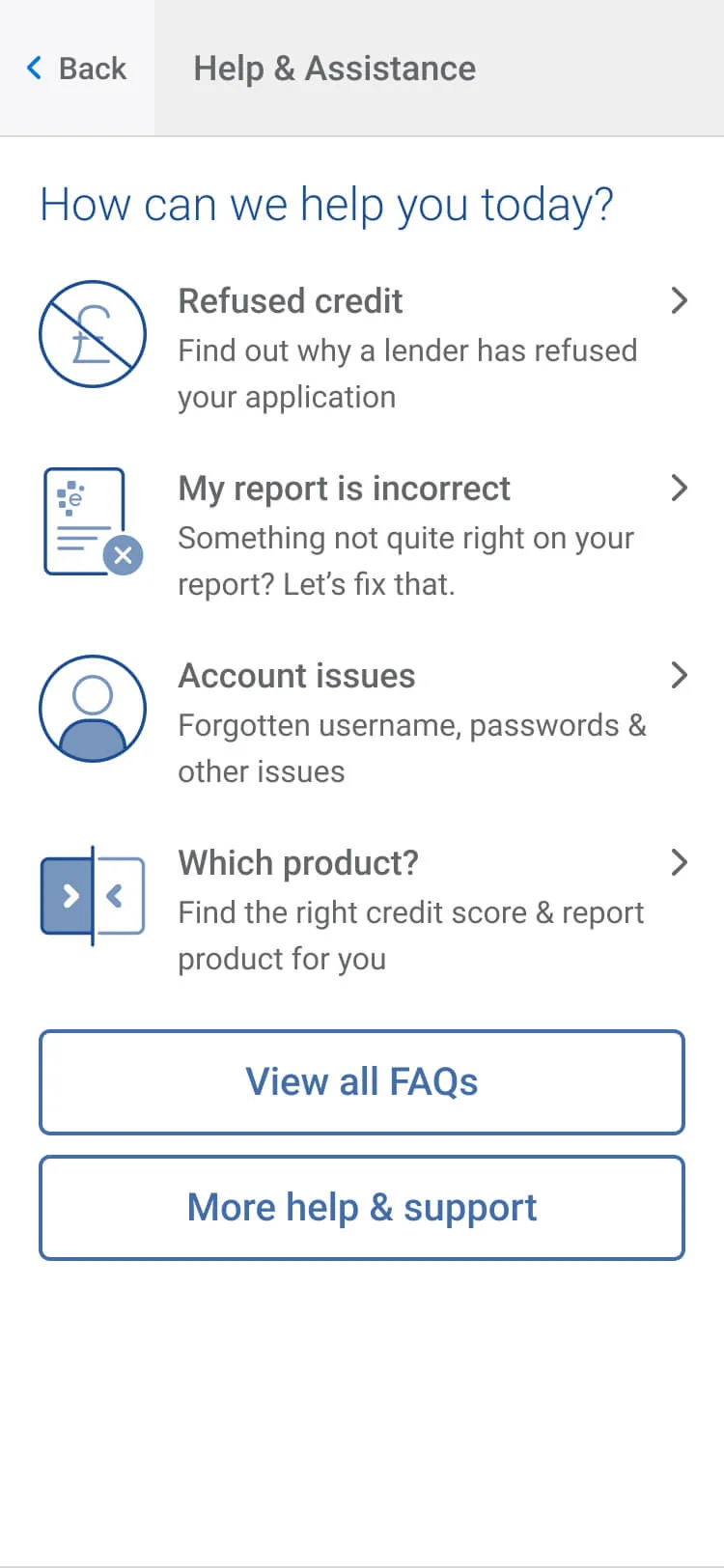
The Result
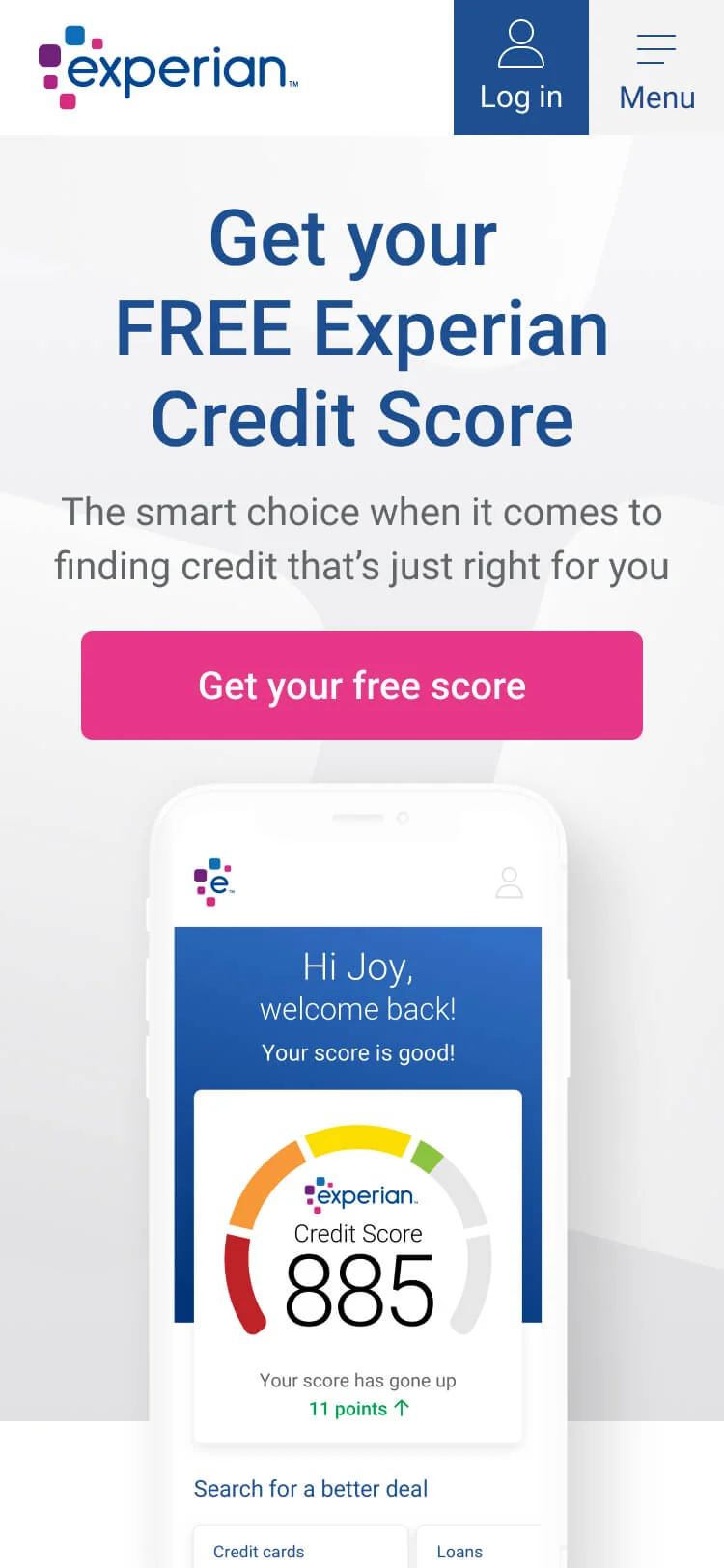
With a cleaner site arcitecture the user experience improved with more users being able to self discover products and articles related to what they wanted to learn about. Sign-ups remained consistent and calls to the help centre for account related issues fell. What’s great to see is that it’s still in use today!